
◼︎How to Purchase When Adding Multiple Prints to a Single Item
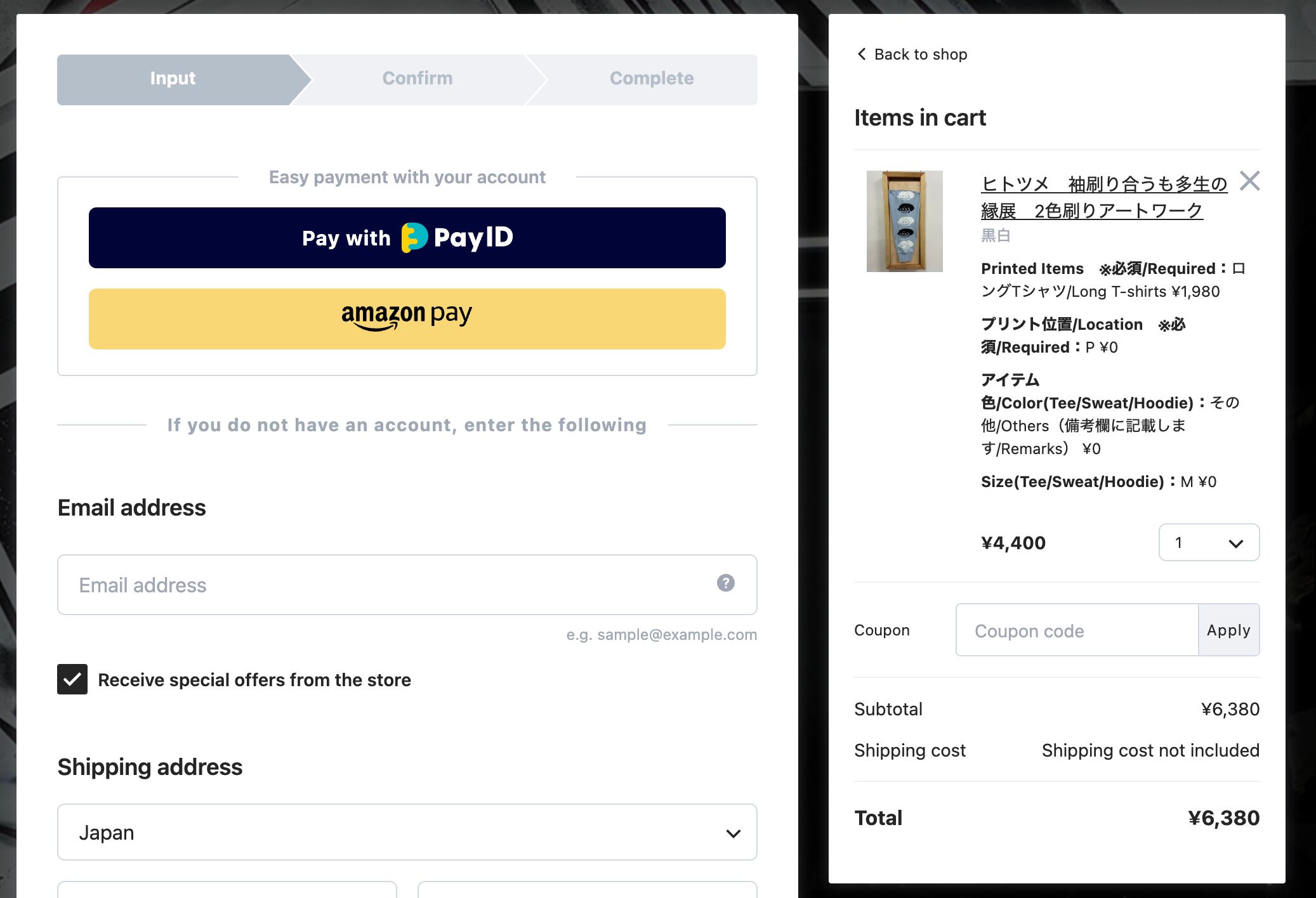
1. On the purchase screen, click “Return to Shop” in your cart to go back to the product list page.
2. With the previously selected item still remaining in your cart, return to the product list page and select the next product.
Choose your desired print color.
For the print item, select “Additional Print”.
For the print item’s color and size, select the same options as the item you have already ordered.
For the print position, please choose any location other than the one you selected for the previous print.

Once you have confirmed that all the information is correct, click the “Add to cart” button.
For the remaining order process, please refer to Step 7 and onward on this page.