
How to Place an Order
1. Select the artwork you’d like to order and go to its product page.
Example of a product page ↓
Scroll down the product page to find the section where you can choose product details.
↓ Selection section

2. Choose the color tone you’d like to print from “Select Type.”
↓ Example of type selection
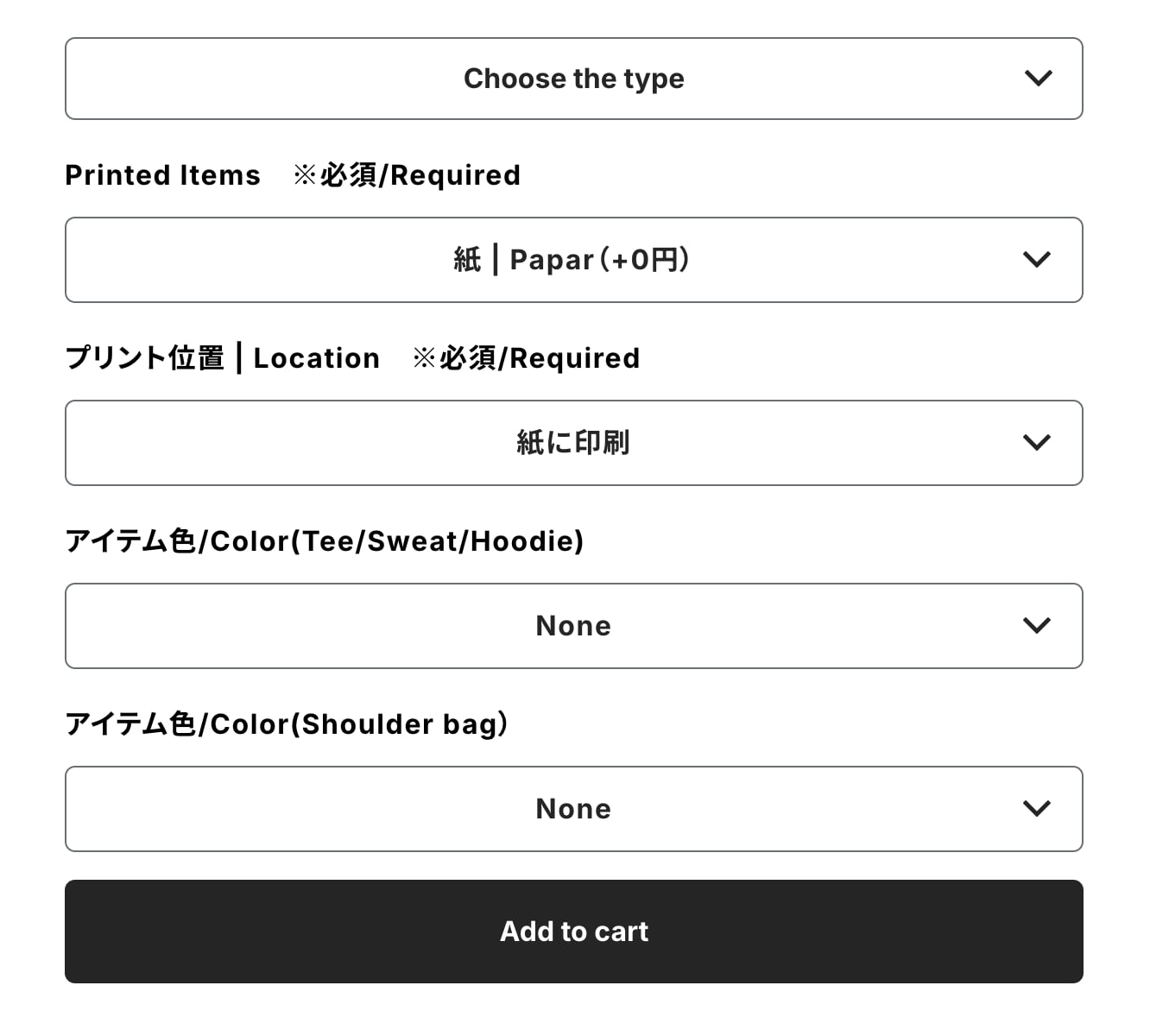
3. Choose the print item.
Paper + ¥0
T-shirt + ¥1,210
Long-sleeve T-shirt + ¥1,980
Sweatshirt + ¥3,630
Hoodie + ¥3,850
Sacoche (small shoulder bag) + ¥660
Additional print (for printing multiple artworks on one item)
Zip-up hoodie + ¥3,850

4. Select the color and size of your print item.
You can check available colors and sizes here.
Please click on your desired print item to view more details.
✳︎ Color selection: For T-shirts, long-sleeve T-shirts, sweatshirts, hoodies, zip-up hoodies, and sacoches.
✳︎ Size selection: For T-shirts, long-sleeve T-shirts, sweatshirts, hoodies, and zip-up hoodies.
Available sizes: S, M, L, XL, XXL


5. Select the print position.
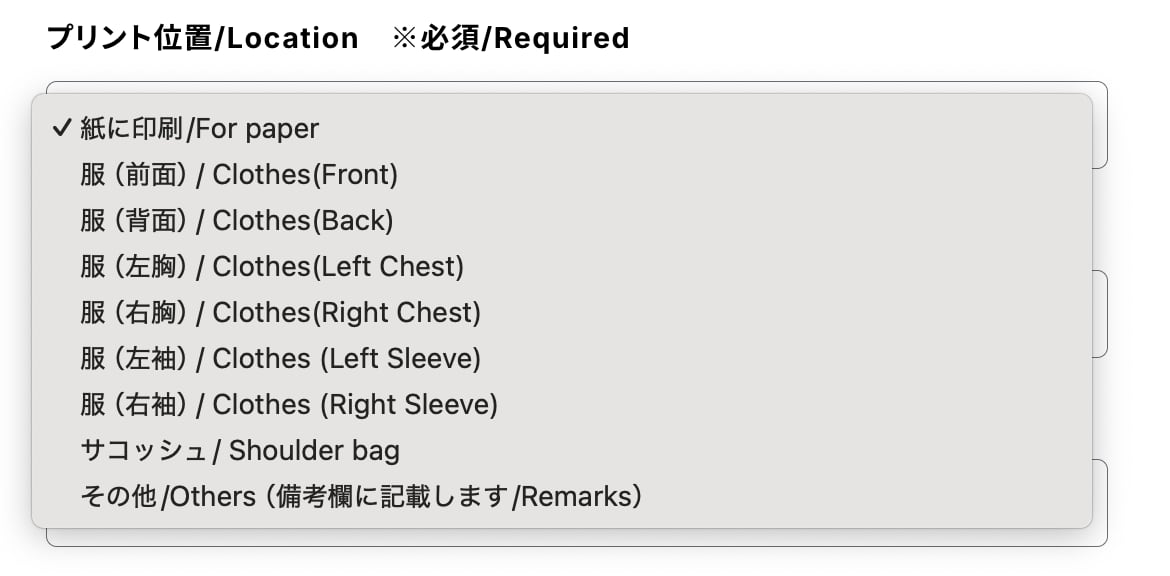
6. Once all selections are made, click “Add to Cart.”
7. Review your cart to make sure everything is correct, then enter your personal information.
Please check here for the method of printing multiple items.


8. If you have any specific requests for print colors or item colors, please write them in the remarks section.
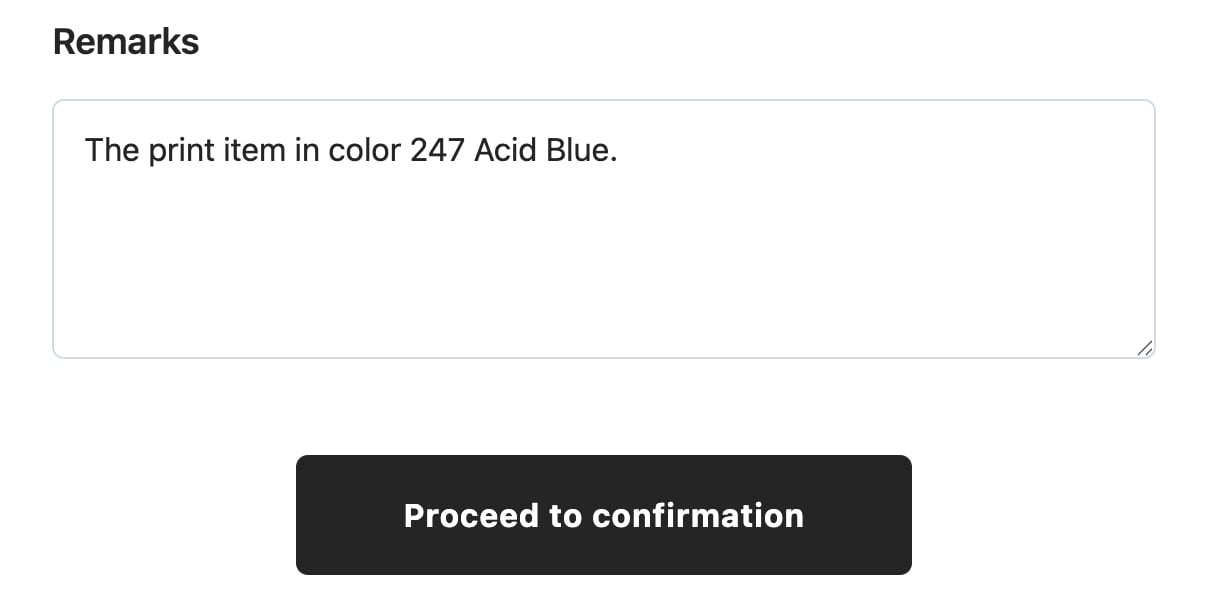
9. On the order confirmation page, double-check your order details, and if everything is correct, click the “Confirm Order” button.
